

Agents and ubq
ubq is a client of the host, like the macOS app, minus the renderer. People use it from a shell; AI agents use it through its MCP server. Either way it works on the real sessions the host keeps, the same ones you are looking at, not on a pipe or a log file.
The command line
Section titled “The command line”# Start and list sessions.ubq new --label buildubq ls
# Run a command and read its screen.ubq run -s build -- make testubq read -s build --screen
# Type a command.ubq send -s build --enter "pwd"
# Wait for command completion.ubq wait -s build --for exit
# Watch host events as JSON.ubq events --json
# Connect over SSH.ubq -H user@host lsrun knows where a command’s output begins and ends, and its exit status, from shell integration in that session. wait listens for command completion, a prompt or a program asking for input. Waiting for text checks fresh screen captures from the host. Targets are session or pane ids, labels, or here. Every verb’s parameters are in the ubq reference.
The MCP server
Section titled “The MCP server”ubq mcp serves terminal_* tools over stdio: create a session, read its screen, read only what changed, run a command, type, interrupt, resize, wait for text or for the prompt, read command output, list sessions, end a session, and take a screenshot. The generated reference lists the tools and schemas. Arguments are validated before reaching a session. On macOS, Ubiquitty › Install MCP Server in Claude Code registers the server; any MCP client that runs stdio servers can use it.
You stay in charge
Section titled “You stay in charge”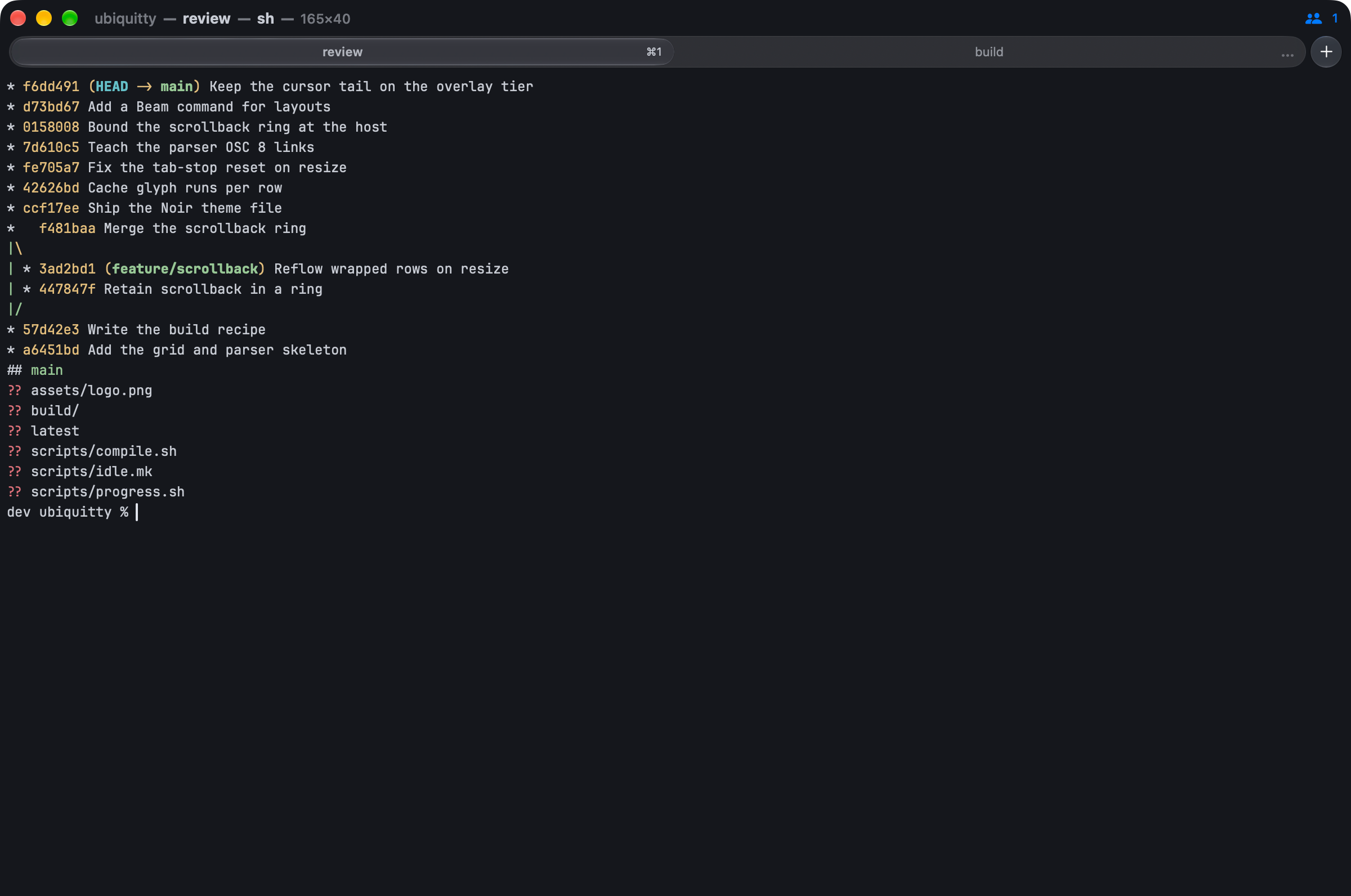
- The host holds the agent, not the client. An agent that asks for a session a person is attached to gets no screen until that person answers: once, for the session, or always. The host decides from its own record of who is attached. Unanswered requests expire after 30 seconds and are refused.
- Identity comes from the kernel. Standing grants are keyed on the process the operating system reports, or on a token’s digest, never on the name an agent gives itself. A replaced binary does not inherit a grant.
- No tool can approve itself. Approval comes from a person, not from an agent’s tool call.
- Tokens. Agents and remote clients need a capability token: scoped (observe, drive, control, region read, new session, file read, manage), expiring and revocable. Revoking a token closes its live connections. Tokens are stored as SHA-256 digests.
- A command policy and an audit log. Commands an agent types pass through allow, confirm and deny rules, first match wins, default confirm. Chained commands need approval. Every decision is written to the audit log.
- Presence. On macOS a pill in the title bar shows when an agent is attached, and the Session menu lists attached agents with a revoke for each.
The policy is a check and a record, not a sandbox: an agent allowed to run commands runs them with your permissions. Attach consent does not take turns between people and agents typing in the same pane. Workspace tree edits require a person’s approval for each exact operation; a standing attach grant does not bypass that question.
Program status
Section titled “Program status”Programs, agents included, can report their state with OSC 7501: idle, working, done, blocked or error, with a progress value and a message. The macOS app shows it on the tab; ubq status lists it and ubq wait --for blocked returns when a program needs you.
Ubiquitty and this site are copyright © 2026 Stanislav Yaglo. Ubiquitty is licensed under the Apache License 2.0.
Apple, iPad, iPadOS, iPhone, Keychain, Mac, macOS, Metal, Swift and Xcode are trademarks of Apple Inc., registered in the U.S. and other countries and regions.