

macOS
Apple silicon, macOS 26 or later.
The macOS app is the reference client. It runs local shells itself, carries ubiquitty-host and ubq inside its bundle, and connects to hosts on other machines over SSH and QUIC.
What it has
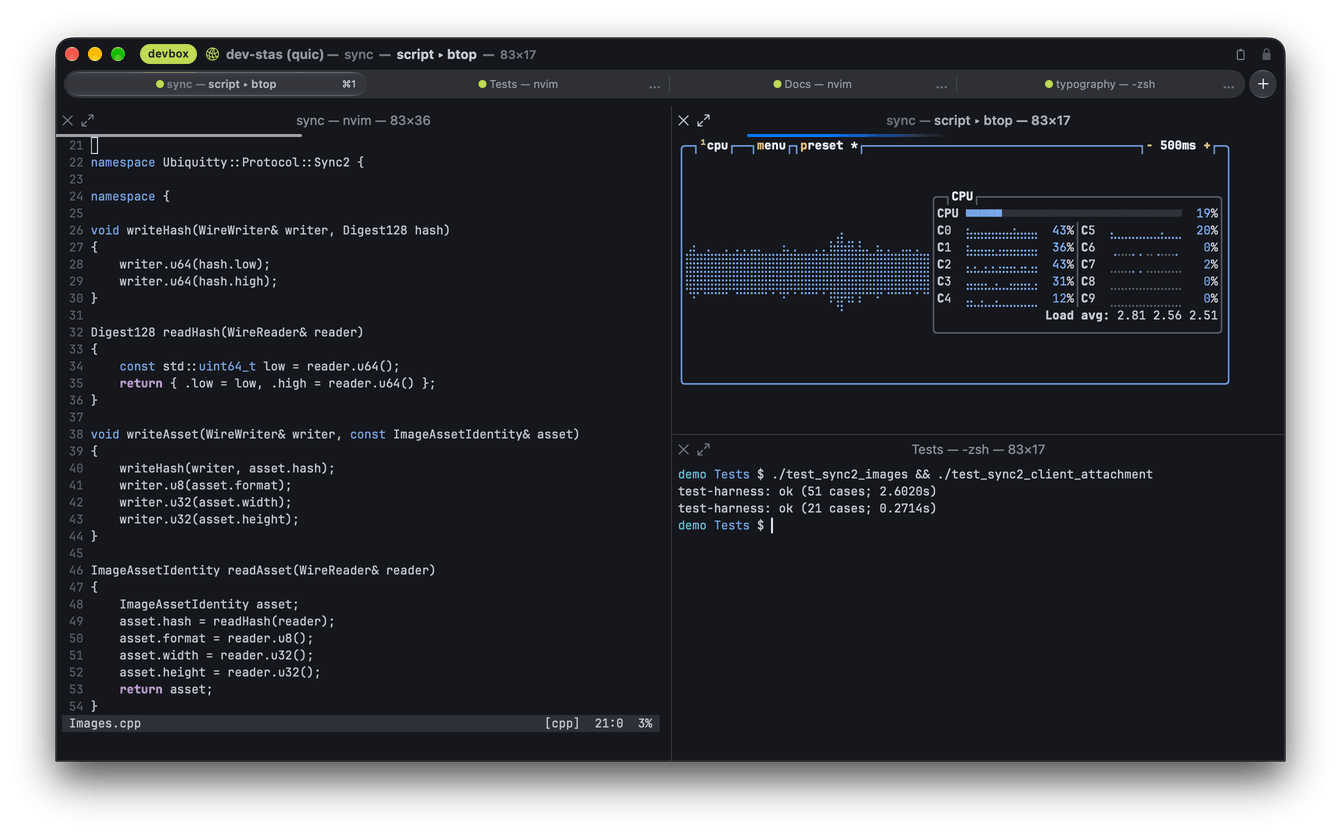
Section titled “What it has”- Rendering: one Swift and Metal renderer with CoreText text, paced by a display link; sRGB or Display P3; translucency, behind-window blur and a background image.
- Windows: native tabs you can tear off into windows, split panes, a full-screen tab strip, a drop-down window on a global hotkey.
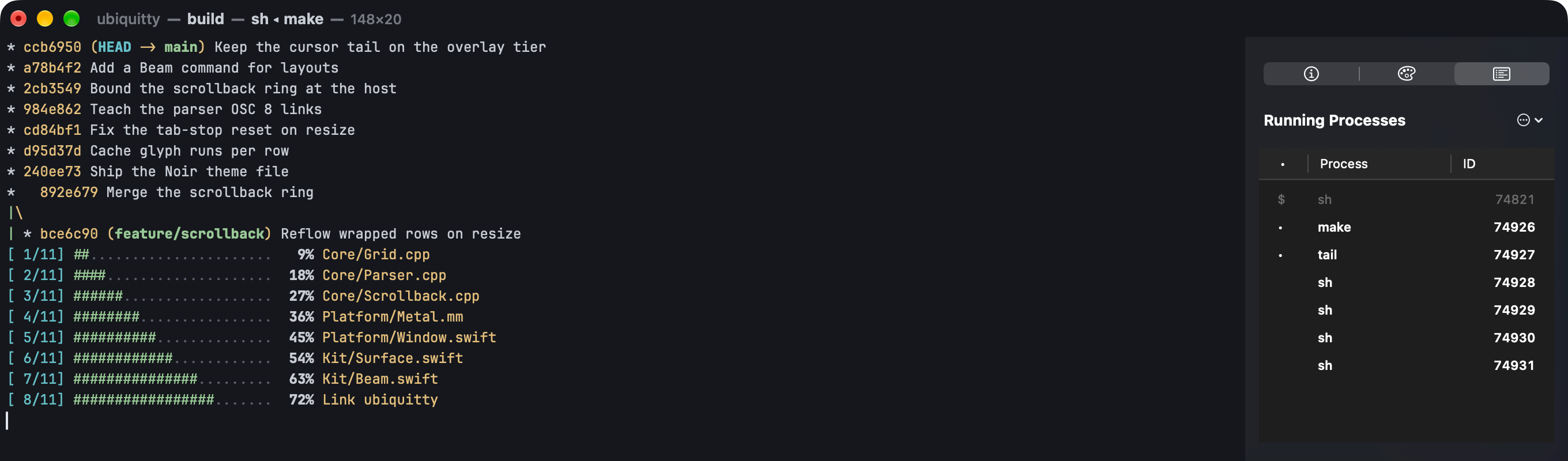
- Sessions: share a running window with the host and take it back; restore the last session on launch (experimental); connect to remote hosts, install and update their host; manage a host’s sessions, clients, permissions and tokens; open control-mode sessions of an existing multiplexer as native tabs.
- Agents: one menu item registers the MCP server with Claude Code; consent prompts, a presence pill and per-agent revoke.
- Interface: Settings with search, Beam (the command palette), the inspector, regex search, styled copy, separate clipboard buffers with a paste panel, Secure Keyboard Entry, notifications and Dock badges, VoiceOver reading.
- Configuration: the config file is watched, and a saved change applies to every window.
Install
Section titled “Install”Version 0.2.0Requires macOS 26 or later and a Mac computer with Apple silicon.
Open the downloaded archive and move Ubiquitty to the Applications folder. The app checks for updates when you ask. To build it yourself, see Install and build; the release guide describes signing and packaging.
Limits
Section titled “Limits”- Apple silicon only; macOS 26 or later.
- VoiceOver reading is partial: see Accessibility.
- Permission policies are not an operating-system sandbox: see Security.
Ubiquitty and this site are copyright © 2026 Stanislav Yaglo. Ubiquitty is licensed under the Apache License 2.0.
Apple, iPad, iPadOS, iPhone, Keychain, Mac, macOS, Metal, Swift and Xcode are trademarks of Apple Inc., registered in the U.S. and other countries and regions.