

iPhone and iPad
iOS and iPadOS 26 or later.
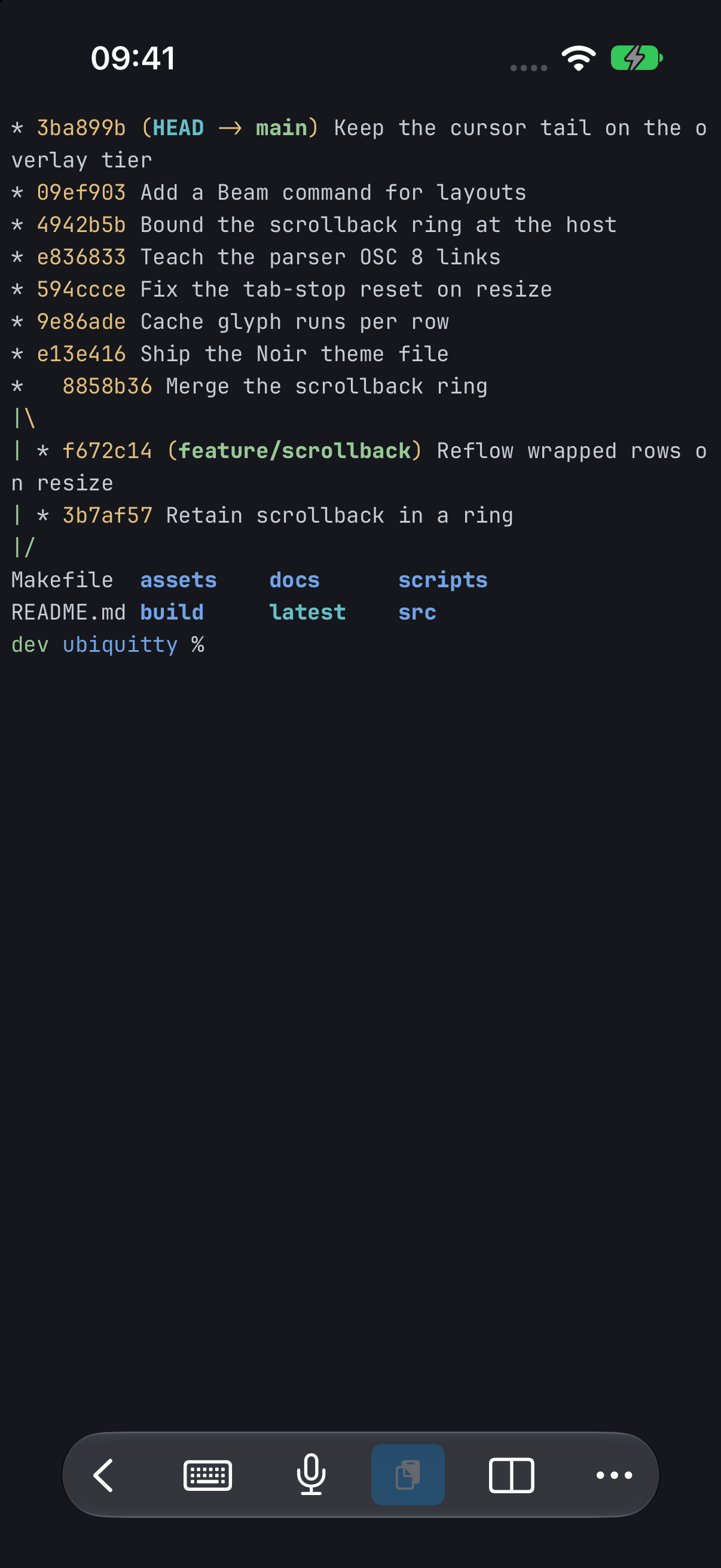
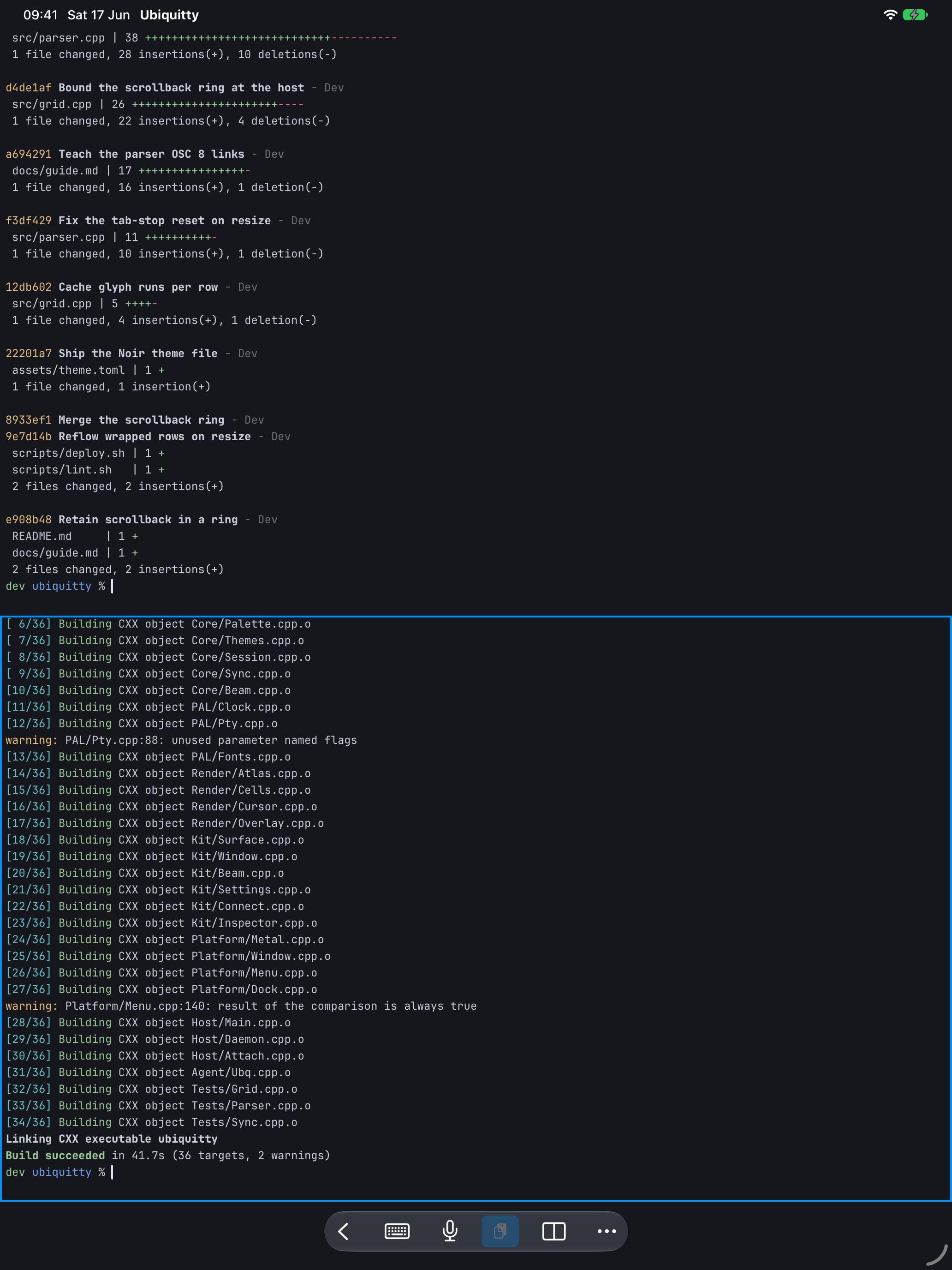
The iOS app runs no shell of its own. It connects to a host over SSH, with an in-app SSH client, and can move the session onto QUIC. It draws with the same Metal renderer as the macOS app, so images, sized and proportional text, rich text blocks and Tektronix graphics look the same.
What it has
Section titled “What it has”- A host list with search; passwords, keys and pinned host keys in the Keychain.
- Each host’s sessions, with what each runs, its size and who is attached.
- Tabs and panes: add a tab, split, close; two panes side by side or stacked on wide screens.
- Gestures: scroll, swipe through every pane across tab boundaries, swipe between connections, pinch to zoom with reflow.
- A software-keyboard accessory with Esc, Ctrl, Alt and arrows; Fn reveals F1–F12, Shift and navigation keys. Modifiers can apply once or stay locked.
- Hardware Command-V pastes, Command-C copies selected text, and Command-A selects all. Control-C remains a terminal interrupt.
- Dictation with a live preview, file send and receive through the host, bracketed paste.
- A permission sheet when an agent asks to attach, showing the verified process apart from the name the agent gave.
- Reattach after the app returns from the background, over QUIC when that was the transport.
Background catch-up
Section titled “Background catch-up”Enable Refresh while away in a saved host’s settings to collect retained notifications, unresolved program questions, and pane status. The app connects directly over SSH and keeps a bounded text preview for viewing without opening a terminal session. Catch-up does not send input, resize panes, or take focus.
The opt-in stores a separate credential that can be used while the phone is locked, once you have entered its passcode after a restart. It is tied to the saved endpoint and pinned host key; interactive credentials keep their existing protection. Turning refresh off removes the background credential and cached data.
iOS decides when background refresh runs. The host must be awake, reachable, and already running; there is no push relay, and incoming terminal traffic cannot wake a suspended app. Opening the app also checks for updates. See the background catch-up reference for credential scope, notification behavior, and limits.
Build with Xcode and the iOS 27.1 SDK or newer; a device needs your own signing team. The SDK requirement differs from the iOS 26 deployment minimum:
./Scripts/build-ios.sh# or open the workspace in Xcode:./Scripts/generate-xcode-workspace.sh --ios-onlyLimits
Section titled “Limits”The iOS app reads no configuration file; settings are made in the app. It needs a host for terminal sessions and cannot run a local shell.
Ubiquitty and this site are copyright © 2026 Stanislav Yaglo. Ubiquitty is licensed under the Apache License 2.0.
Apple, iPad, iPadOS, iPhone, Keychain, Mac, macOS, Metal, Swift and Xcode are trademarks of Apple Inc., registered in the U.S. and other countries and regions.